
Image Zoom: Full-Size Picture Viewer
Увеличение изображений: полный размер
Увеличение изображений: полный размер
Click a picture on the page to open it full size and zoom with the wheel or a pinch. No access to all your sites.
| Firefox | image-zoom-full-size |
|---|---|
| Firefox id | image-zoom@dmitryq |
| Permissions |
|
| Optional | none |
| Sites | none |
| Optional sites | none |
| Runs on | none |
| Firefox data collection | {"required": ["none"]} |
Screenshots from the store materials.
Text from the Firefox Add-ons page.
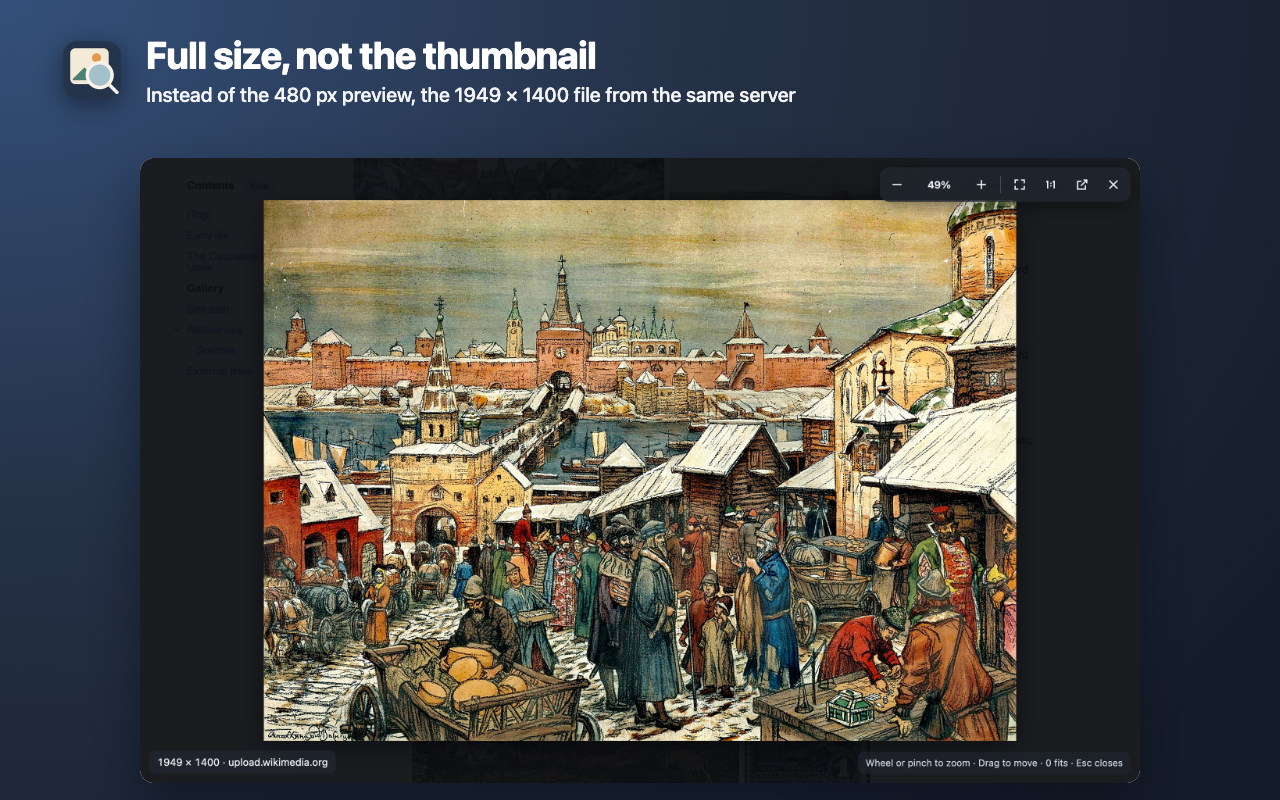
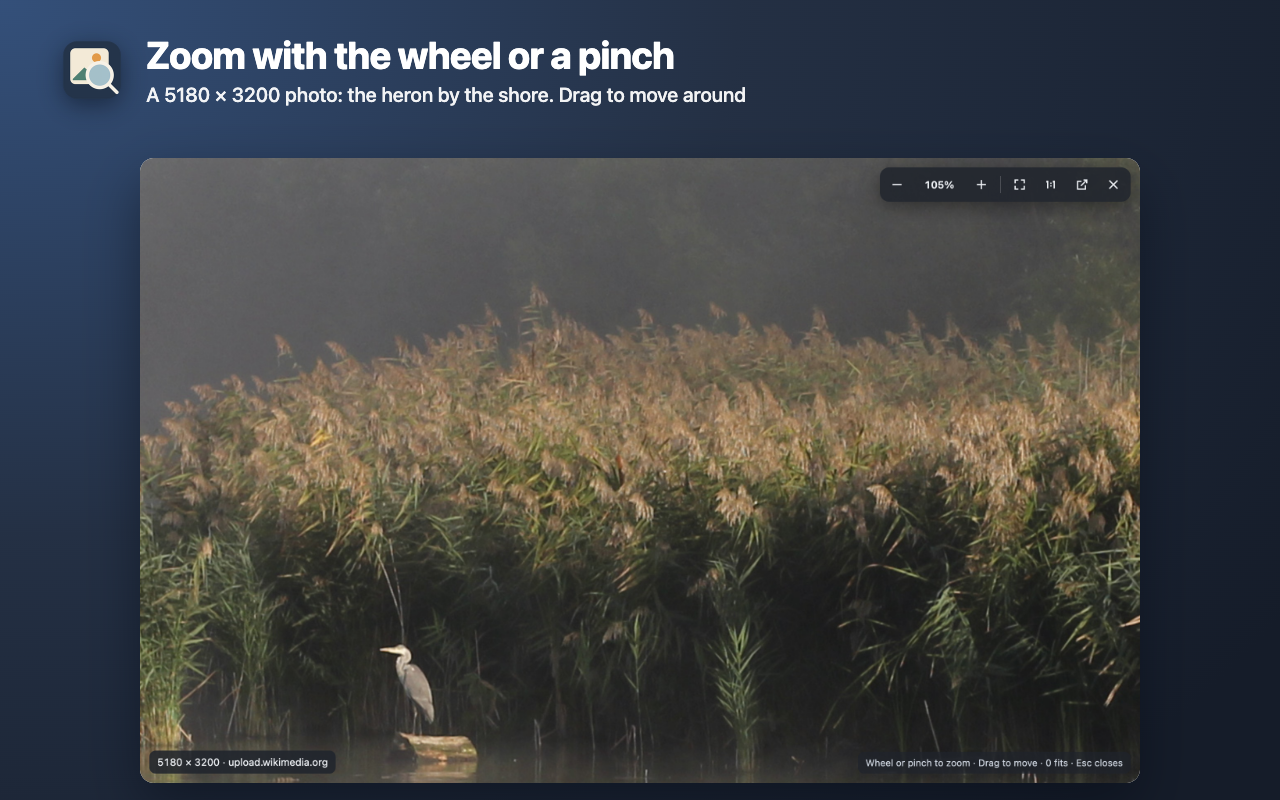
Click a picture on the page and it opens on top of the page at the largest size the site has: the original instead of the thumbnail. The mouse wheel and a trackpad pinch zoom in, dragging moves it around.

HOW TO USE IT
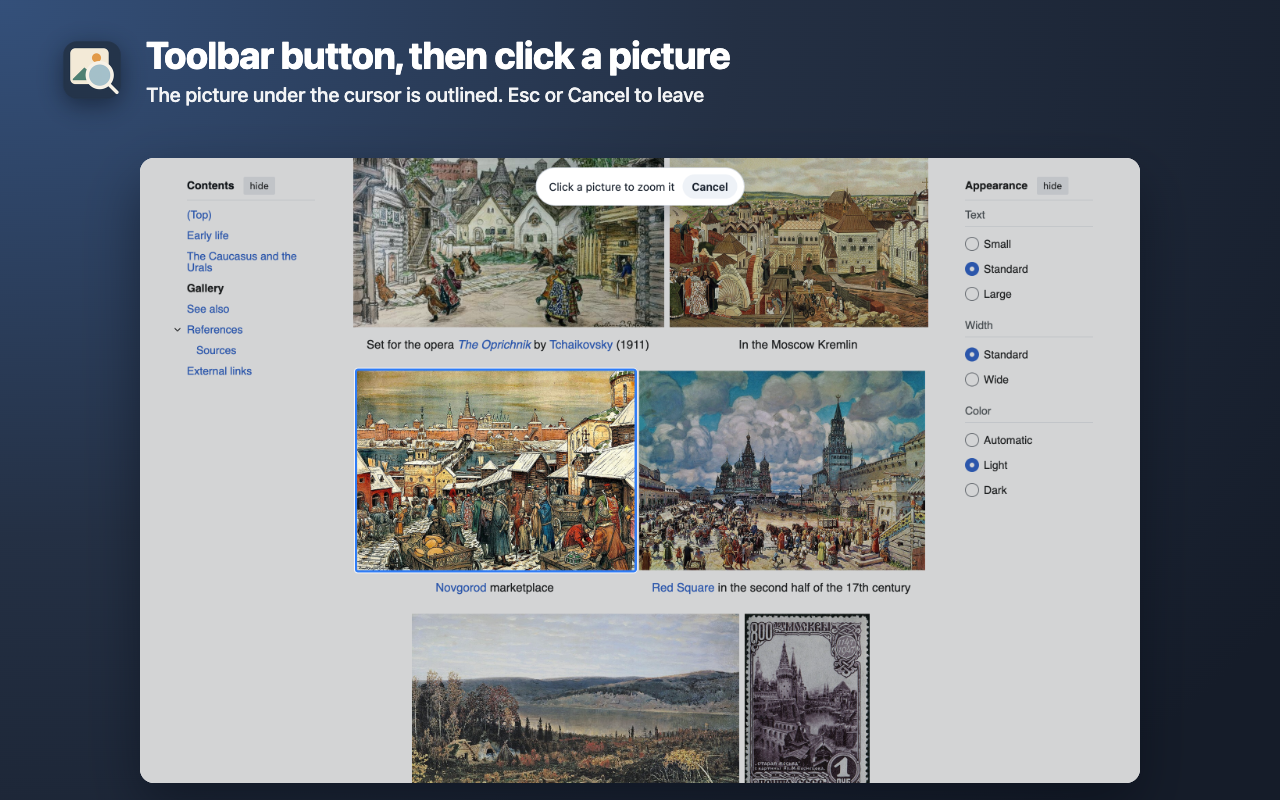
• Click the extension's button or press Alt+Shift+Z, then click a picture. The picture under the pointer is outlined; Esc leaves. You can change it in about:addons → gear icon → Manage Extension Shortcuts.
• Or right-click a picture → Zoom image.
• In the viewer: wheel or pinch zooms into the spot under the pointer, drag moves, double-click switches between fit and 100%, keys + − 0 1 and arrows, Esc closes. The bottom line shows the size in pixels and the server the file came from. The ↗ button opens the file in a new tab.
• While the viewer is open, keys don't reach the site's shortcuts and the page doesn't scroll. Clicking a picture inside a link doesn't follow the link.

WHERE THE LARGER VERSION COMES FROM
From the picture's own markup: a link to the file, full-size attributes (such as Pikabu's), the largest srcset and <picture> candidate. For Wikipedia and Wikimedia Commons, Reddit, Habr, Wildberries, Ozon and Yandex images (Kinopoisk) it is the same file without downsizing, on the same site's image server. The page's picture shows at once and is replaced by the larger one when it loads. If the site has nothing larger, the viewer says so.
Besides regular images it opens CSS background cards, inline SVG (zooms without losing sharpness) and very large files: a 48931 × 5794 px panorama on Wikimedia Commons opened in 3 seconds.

WHERE IT DOESN'T WORK
• A picture inside a frame from another site: the picker can't see it and tells you what to do, and the context menu item works.
• Firefox's own pages and addons.mozilla.org: the browser doesn't let extensions run there.
• Canvas drawings and video frames.
• If a frame from another site covers the page (a cookie consent dialog, for example), close it first.

PRIVATE
• No access to all your sites: the extension gets into a tab only when you ask, and only into that tab. Unlike hover zoom extensions, it doesn't run on every page you open.
• It stores nothing and sends nothing to the developer: no server, no analytics, no ads. The browser downloads the larger picture from the site's own server, as when you open it in a new tab.

English and Russian interface, light and dark theme for the hints.